
Overview
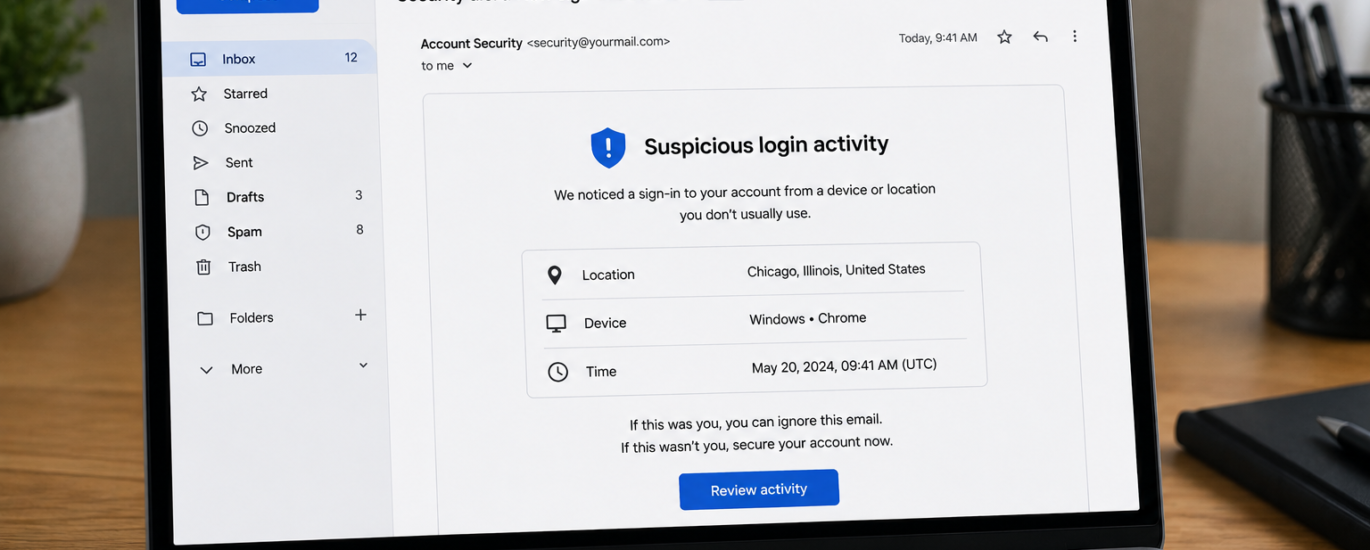
A suspicious login alert is a security notification indicating that your email account may have been accessed from an unfamiliar device, location, or network. These alerts are designed to protect your account from unauthorized access. If you receive one, it’s important to verify your recent activity and secure your account as soon as possible.
How to Fix Suspicious Login Alerts
- Review the details of the login alert, including the device and location.
- Confirm whether the login attempt was made by you.
- Change your email account password immediately if you don’t recognize the activity.
- Sign out of all active sessions and devices if the option is available.
- Enable two-factor authentication for additional account security.
- Verify that your recovery email address and phone number are up to date.
- Scan your device for malware or other security threats.
- Remove any unfamiliar devices or applications connected to your account.
- Monitor your account for unusual activity, such as unexpected emails or settings changes.
- Continue checking your recent login history to ensure no unauthorized access occurs.
Additional Tips
- Use a strong, unique password for your email account.
- Avoid signing in on public or shared devices.
- Never share your verification codes or passwords with anyone.
- Review your account’s security settings regularly.
Following these steps can help protect your email account and prevent unauthorized access. If suspicious login alerts continue even after securing your account, additional identity verification or security measures may be necessary.