
Overview
If you’re unable to open email attachments, the problem may be caused by an incomplete download, unsupported file format, corrupted attachment, outdated software, or device-related issues. In most cases, attachment access can be restored by checking the file, updating your software, and ensuring the correct application is available to open it.
How to Fix Unable to Open Email Attachments
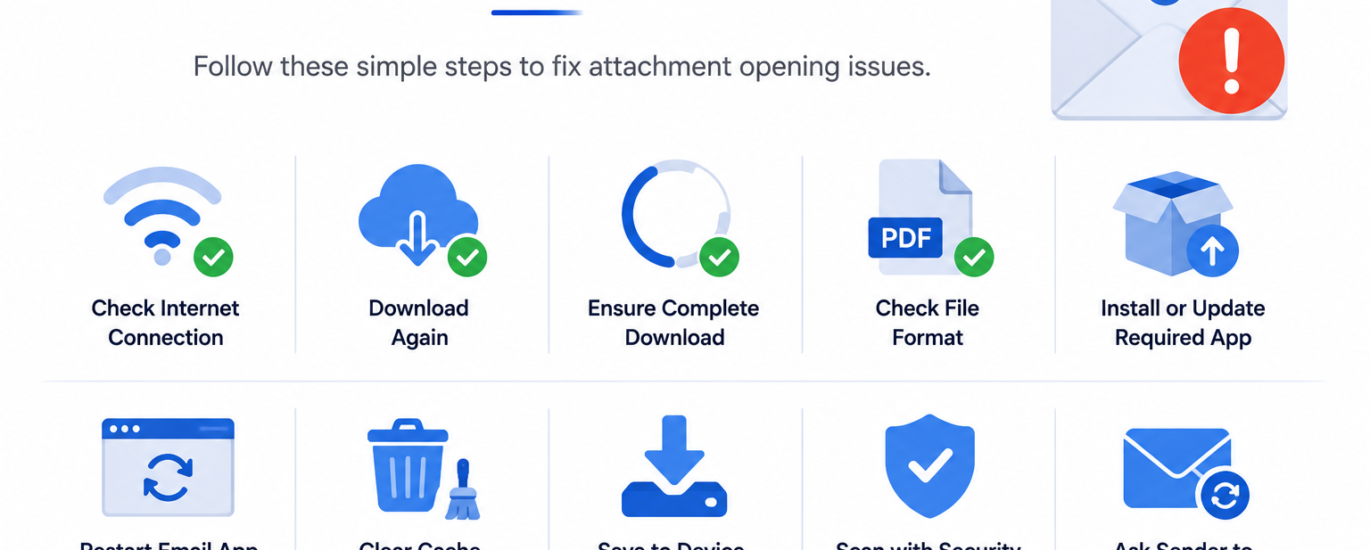
- Check that your internet connection is stable.
- Download the attachment again if the previous download was interrupted.
- Verify that the attachment has finished downloading completely.
- Confirm that the file format is supported on your device.
- Install or update the appropriate application required to open the file.
- Restart your email application or web browser.
- Clear your browser or application’s cache and temporary files.
- Save the attachment to your device before opening it.
- Scan the attachment with security software if it appears suspicious.
- Ask the sender to resend the attachment if it appears damaged or incomplete.
Additional Tips
- Keep your device and applications updated.
- Avoid opening attachments from unknown or untrusted senders.
- Ensure you have enough storage space to download files.
- Use compatible software for different file types.
Following these troubleshooting steps can resolve most email attachment opening issues. If the attachment still cannot be opened, the file may be corrupted or require additional software to access.