
Overview
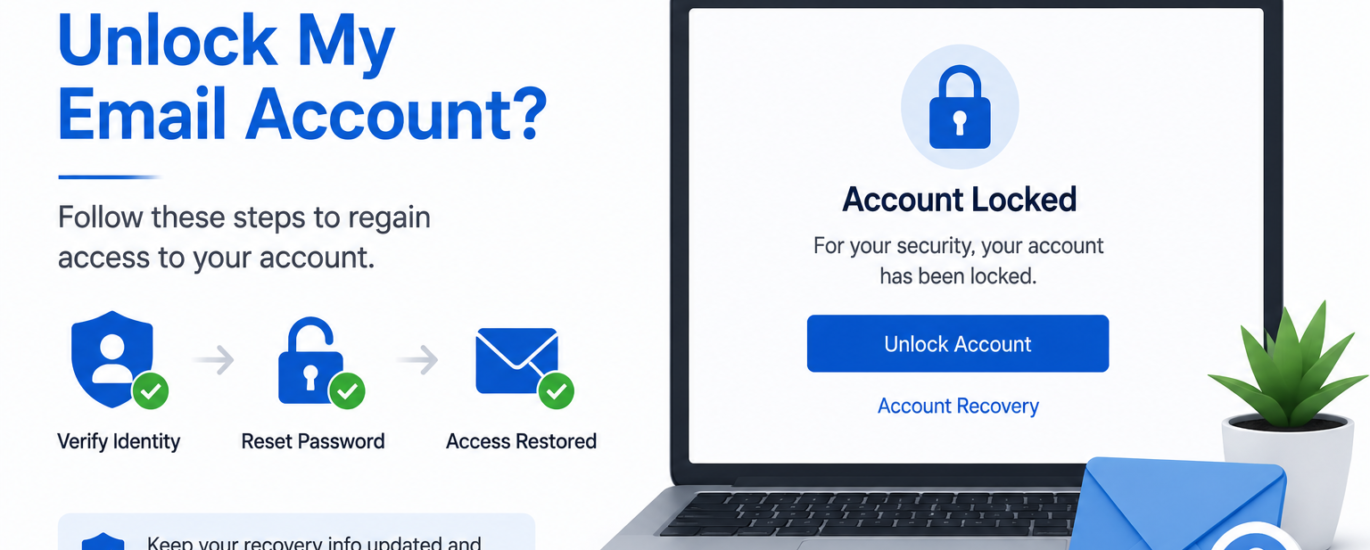
An email account may become locked after multiple unsuccessful sign-in attempts, suspicious login activity, security verification failures, or unusual account behavior. A locked account helps protect your personal information from unauthorized access. In most cases, you can regain access by verifying your identity and following the account recovery process.
How to Fix an Email Account Locked
- Wait a few minutes before attempting to sign in again.
- Double-check that you are entering the correct email address and password.
- Select the Unlock Account or Account Recovery option if available.
- Complete any identity verification steps requested.
- Use the verification code or recovery method linked to your account.
- Reset your password if prompted during the recovery process.
- Remove any saved incorrect passwords from your devices or email applications.
- Sign in again using your updated credentials.
- Enable two-factor authentication to improve account security.
- Review your recent account activity after regaining access to ensure there was no unauthorized access.
Additional Tips
- Avoid repeated failed login attempts, as they may trigger another account lock.
- Keep your recovery email address and phone number up to date.
- Use a strong, unique password for your email account.
- Regularly review your account’s security settings and recent login history.
Following these steps can help you unlock your email account and restore access. If the account remains locked after completing the recovery process, additional identity verification may be required.