
Overview
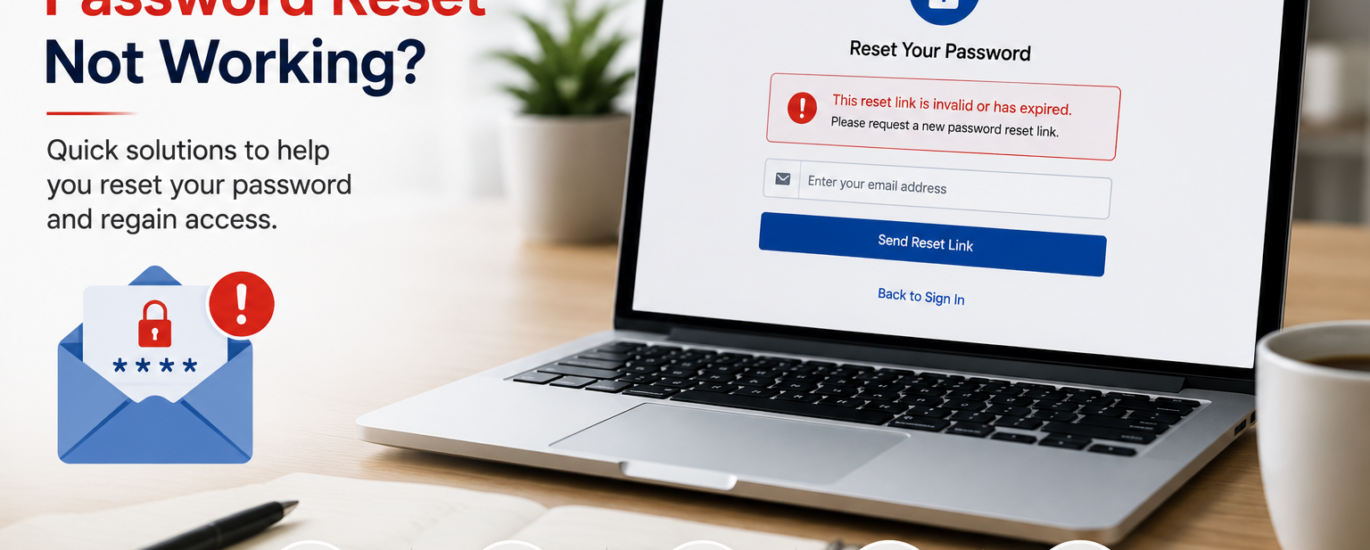
If the password reset process is not working, you may be unable to regain access to your email account. This can happen due to an expired reset link, incorrect recovery information, browser issues, or temporary service interruptions. Most password reset problems can be resolved by following a few simple troubleshooting steps.
How to Fix Password Reset Not Working
- Make sure you entered the correct email address or username.
- Request a new password reset link instead of using an old one.
- Check your Spam, Junk, and Trash folders for the reset email.
- Open the reset link as soon as you receive it to avoid expiration.
- Try resetting your password using a different web browser or device.
- Clear your browser’s cache and cookies before trying again.
- Ensure your internet connection is stable throughout the process.
- Verify that your recovery email address or phone number is up to date.
- Disable browser extensions that may block the reset page.
- Wait a few minutes and try again if the service is experiencing temporary issues.
Additional Tips
- Always use the most recent password reset link.
- Create a strong, unique password that you haven’t used before.
- Keep your recovery information current.
- Save your new password securely for future use.
Following these steps can resolve most password reset issues. If you still cannot reset your password, additional account verification or recovery options may be required.