
Overview
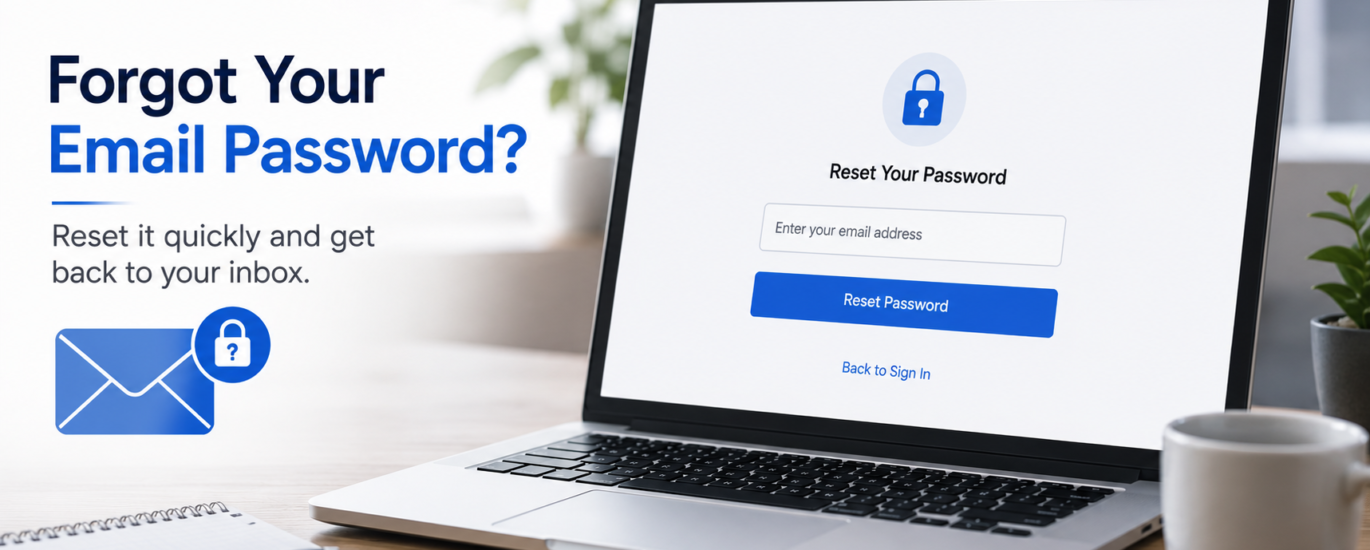
Forgetting your email password can prevent you from accessing your inbox, contacts, and important messages. This may happen if you haven’t logged in for a long time, recently changed your password, or simply can’t remember your current credentials. Fortunately, most password-related issues can be resolved by using the account recovery options and updating your login information.
How to Fix a Forgotten Email Password
- Go to the email service’s account sign-in page.
- Select the Forgot Password or Reset Password option.
- Enter your registered email address or username.
- Complete the identity verification process if prompted.
- Use the verification code or recovery link sent to your registered recovery method.
- Create a new, strong password that is different from previous passwords.
- Confirm the new password and save the changes.
- Sign in using your new password.
- Update the saved password on all your devices and email applications.
- Store your new password securely to avoid future login issues.
Additional Tips
- Use a strong password with a mix of letters, numbers, and symbols.
- Enable two-factor authentication for added account security.
- Keep your recovery information up to date.
- Consider using a trusted password manager to store your login credentials safely.
Following these steps should restore access to your email account. If you’re still unable to reset your password, additional identity verification or account recovery may be required.