
Overview
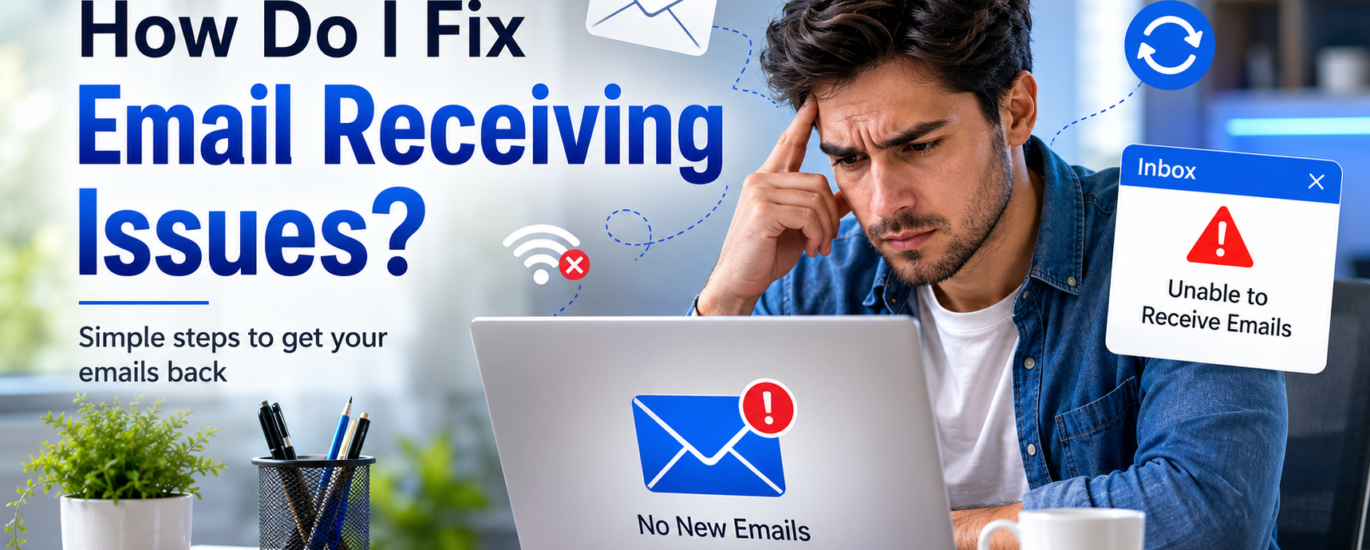
If you’re unable to receive emails, the issue may be caused by a full mailbox, poor internet connectivity, incorrect account settings, email filters, or temporary server issues. In many cases, incoming email problems can be resolved by checking your account configuration and ensuring your mailbox is functioning properly.
How to Fix Unable to Receive Emails
- Check that your internet connection is stable.
- Refresh your inbox or restart your email application.
- Verify that your mailbox has available storage space.
- Review your Spam, Junk, Trash, and Archive folders for missing emails.
- Check whether any email filters or rules are moving incoming messages.
- Make sure your incoming mail settings are configured correctly.
- Sign out of your email account and sign back in.
- Update your email application or web browser to the latest version.
- Clear the application’s cache or temporary data if available.
- Wait a few minutes and check again if there is a temporary server delay.
Additional Tips
- Keep your mailbox organized by deleting unnecessary emails.
- Regularly check your spam folder for legitimate messages.
- Ensure your email application is always updated.
- Periodically review your account settings to prevent configuration issues.
Following these steps can resolve most email receiving problems. If new messages still do not appear after completing the troubleshooting process, additional account verification or technical assistance may be required.